Photo documentation of an issue
Every employee can easily record an issue
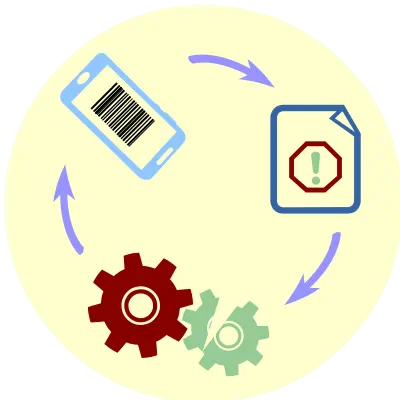
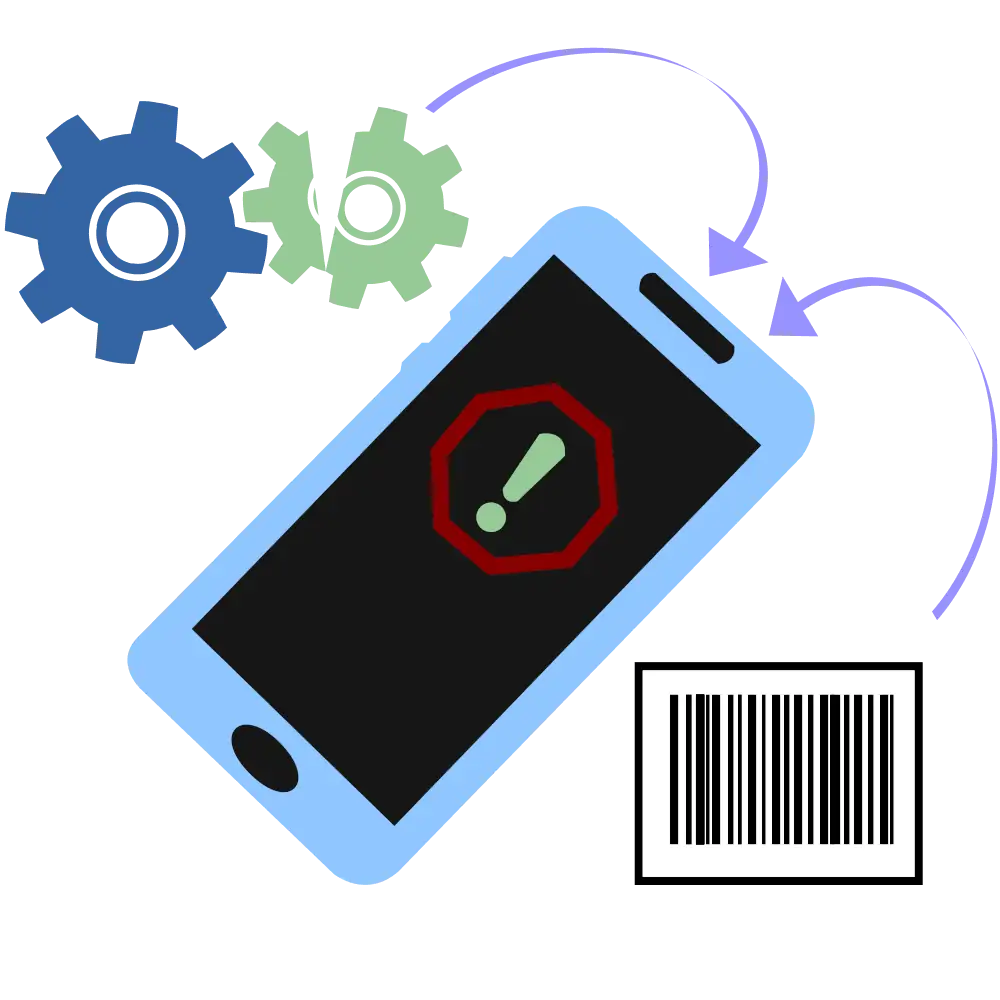
You document an issue in just a few clicks – everything on your mobile
- Create a new issue directly from the mobile app
- Take a photo of the device barcode and the app immediately identifies which machine or location the issue relates to
- Take a photo of the issue
- Add a description to the photo
- Within the recorded issue, you can add the issue type, urgency, and details

Clear records
of every discrepancy or issue
Creating a record does not slow users down. Every employee can easily record an issue they notice.
The system keeps everything important together:
- Device, room, or location based on the scanned code
- Record author
- Photos and text notes related to the issue
- GPS coordinates can be stored
Not only is the process fast, but the photo cannot be falsified. Along with the image, information about who took the photo, where it was taken, and the identification of the device used is immediately sent. (Location requires a GPS signal)
 Incident and quality nonconformity management
 Quality management automation
 Project management
 Efficient management
 25+ years of experience – © PDQM, Ltd.